


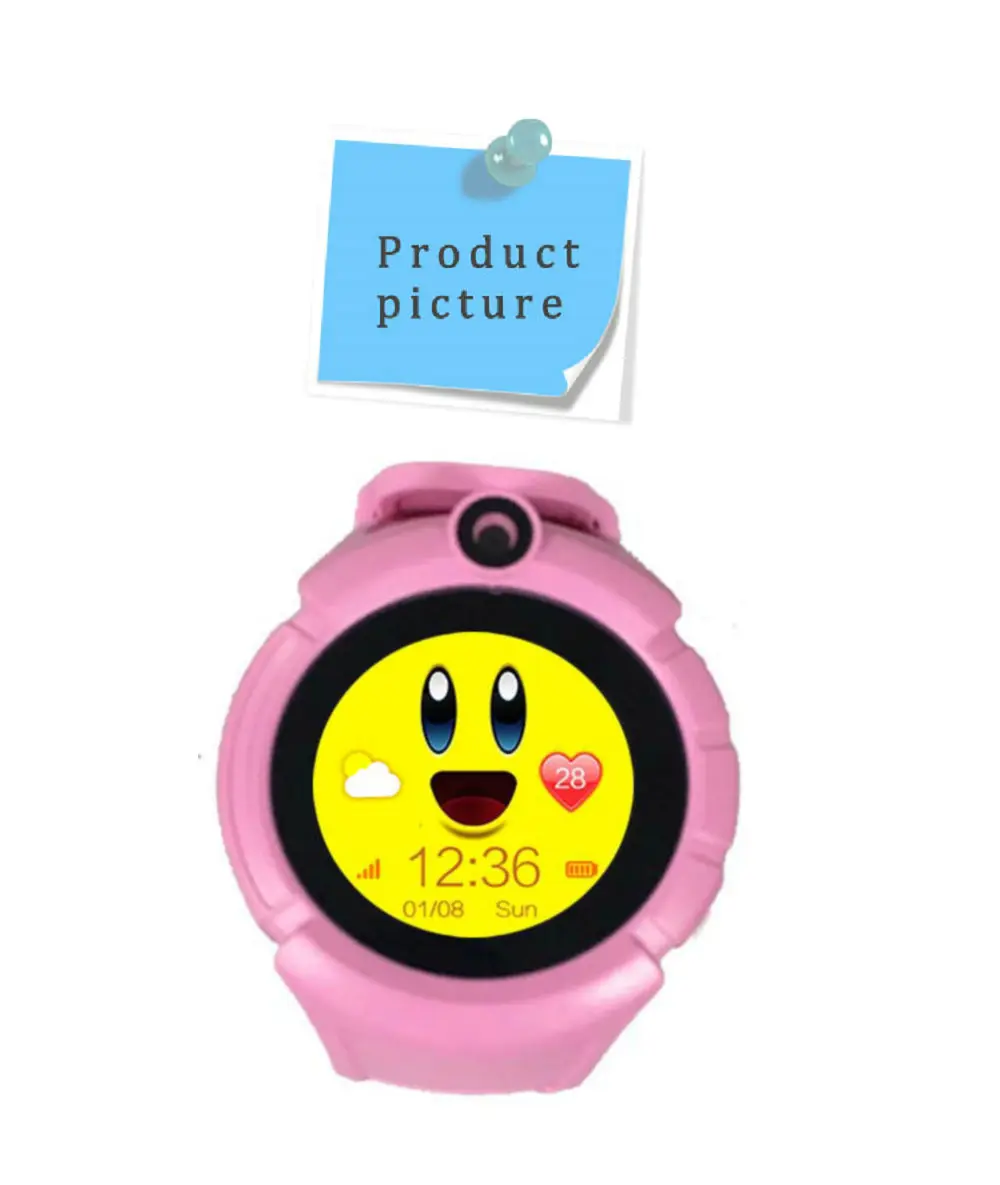
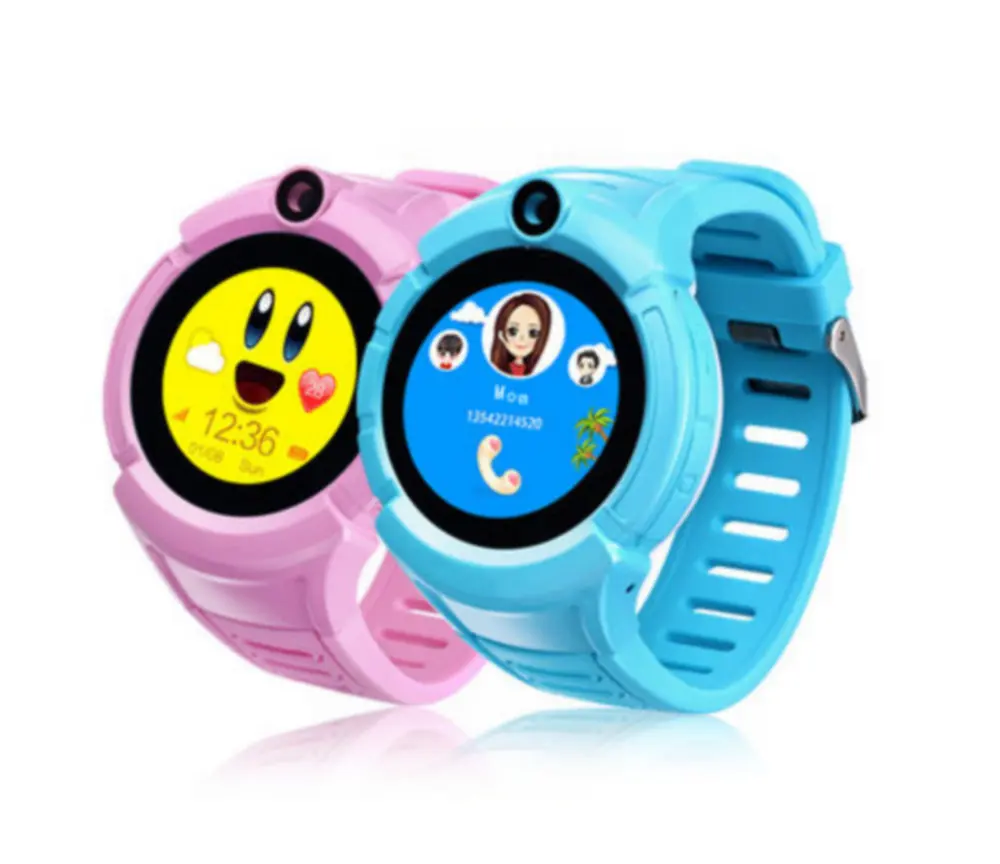
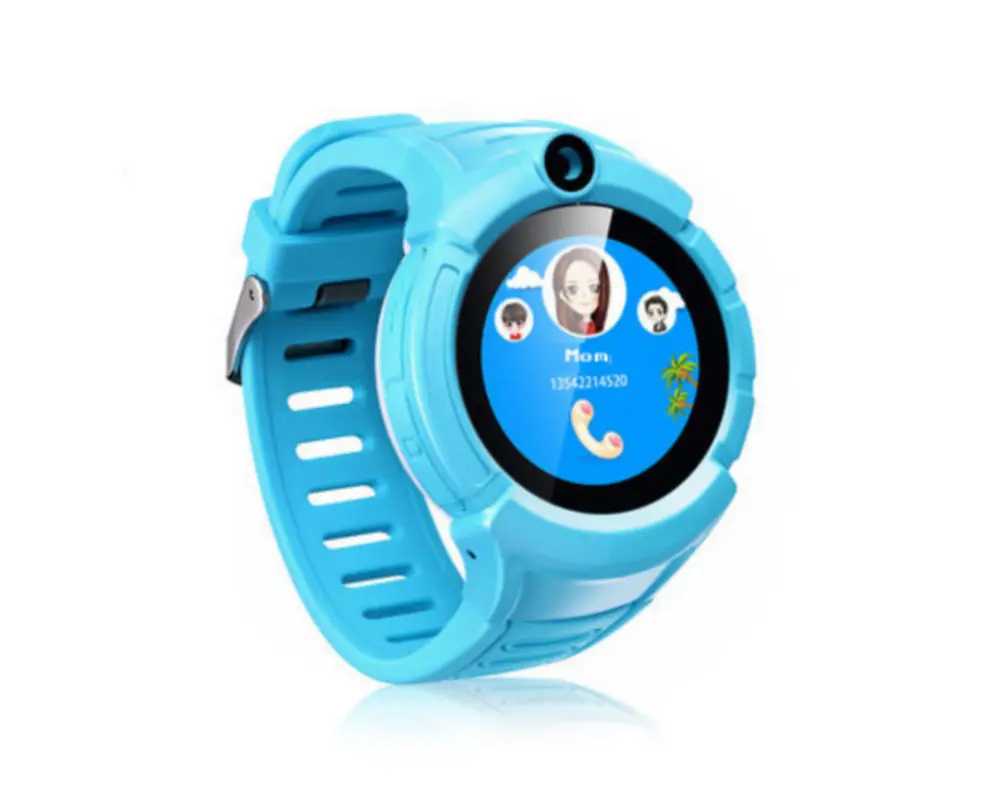
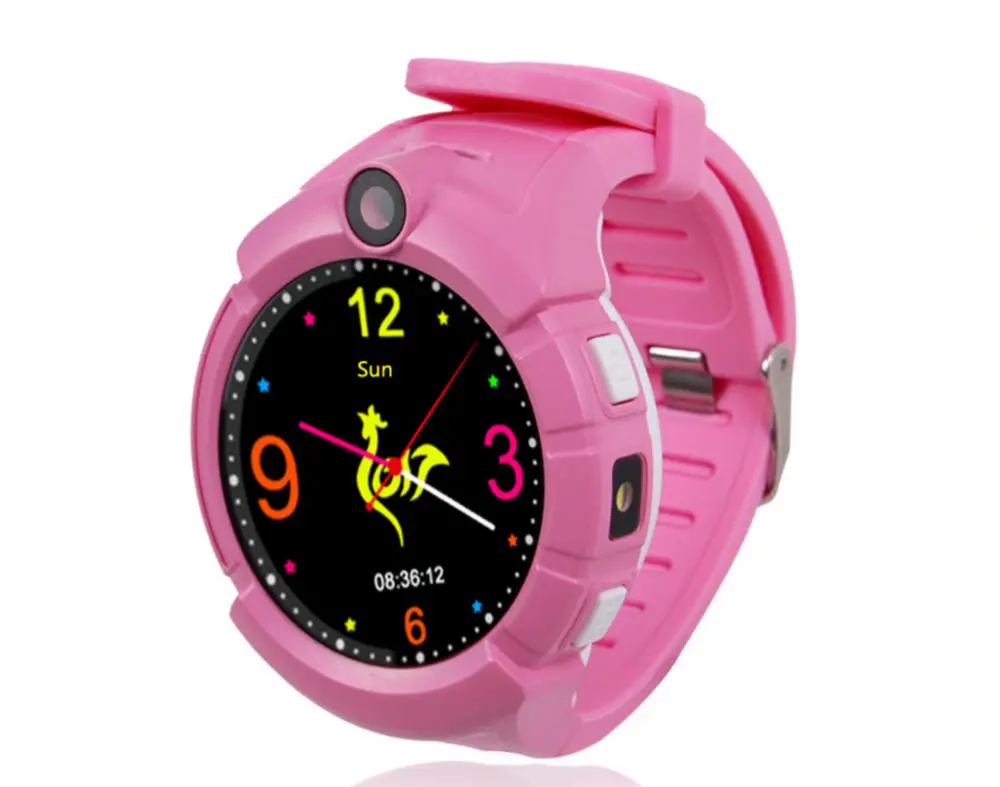
The Q360 children’s smartwatch combines a round 1.4-inch display, a camera and supplier-listed two-way calling. A plastic case and detachable silicone strap complete its colourful wristwatch design.
SIM CALLING & CONTACTS The supplier lists dialling and answering calls using a compatible nano-SIM card, which is not included. The advertised phone book supports up to ten contacts configured through an app.
The watch is specified as a 2G device. Supported network bands, UK operator compatibility, app requirements and any service charges must be confirmed before purchase.
1.4-INCH DISPLAY & CAMERA The round 1.4-inch screen has a resolution of 240 × 240 pixels, with multiple watch faces listed.
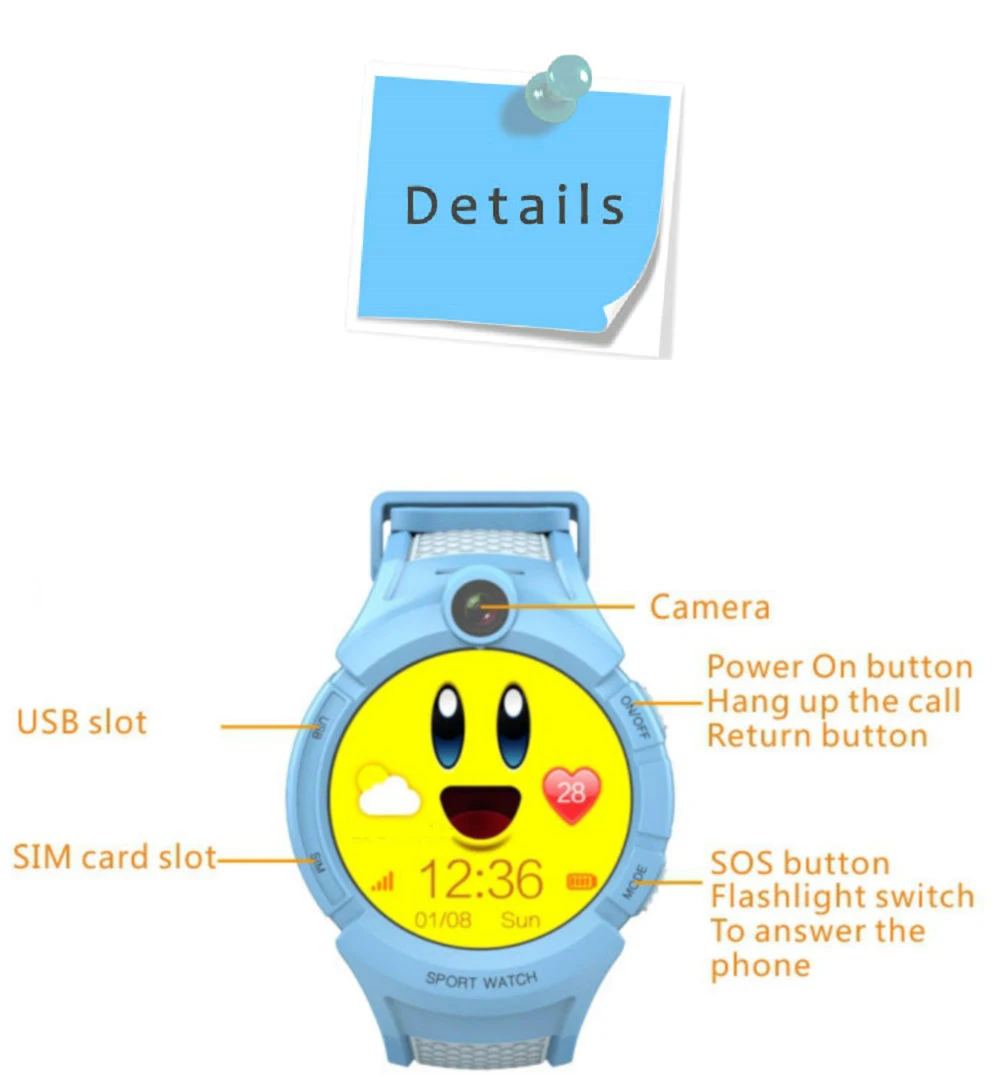
The supplier specifies a 0.3MP camera as a rear camera, although the promotional image shows a protruding camera beside the case. Camera position and operation require clarification.
ACTIVITY & EVERYDAY TOOLS Supplier-listed functions include a pedometer, sleep tracking, alarm clock and lighting. Activity and sleep information are for general reference only.
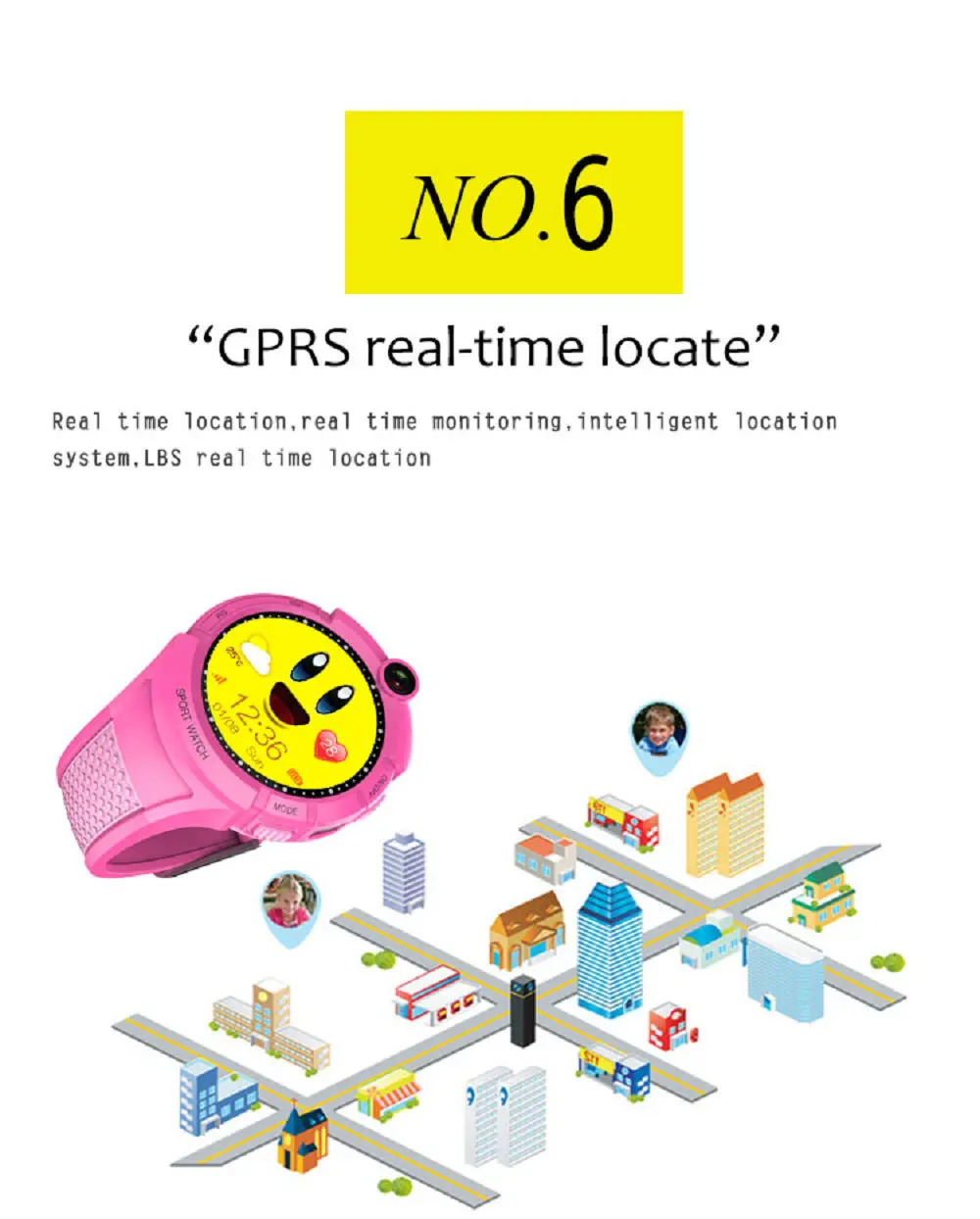
LOCATION FEATURES The title advertises GPS and Wi-Fi location, while the promotional image refers to LBS positioning and GPRS. These descriptions do not establish the exact positioning technology or its accuracy.
Do not rely on this watch to establish a child’s safety or exact whereabouts. Location features depend on confirmed hardware, network coverage and a functioning associated service.
SOS & FIND-WATCH FEATURES The supplier advertises SOS and find-watch functions. Their operation, recipients and connection requirements have not been confirmed. They are not a substitute for adult supervision or a guaranteed connection to emergency services.
NOT WATERPROOF The supplier explicitly lists this model as not waterproof. Keep it away from rain, splashes and immersion, and remove it before handwashing, bathing or swimming.
TECHNICAL SPECIFICATIONS Model: Q360 Intended age group: Children; exact age range unspecified Product type: Wrist-worn electronic smartwatch Screen: 1.4-inch round display Resolution: 240 × 240 pixels Case material: Plastic Band material: Silicone, described as “silica gel” Band detachable: Yes CPU manufacturer: MediaTek CPU model: MTK2503 RAM: Less than 128MB ROM: Less than 128MB Network mode: 2G SIM type: Nano-SIM, not included Camera: 0.3MP Battery capacity: Supplier-listed range of 300–450mAh Battery detachable: No Languages listed: English

Model Name: Q360
Chip: G610
Material: Plastic
Watchband Material: Silicone
Battery Capacity: 400mAh
Dimension: 49*43*16mm
Display: 1.4 inch Touch Screen
Color : Blue, Pink

1. Accurate Location
We use GPS,WIFI and LBS location for accurate position.
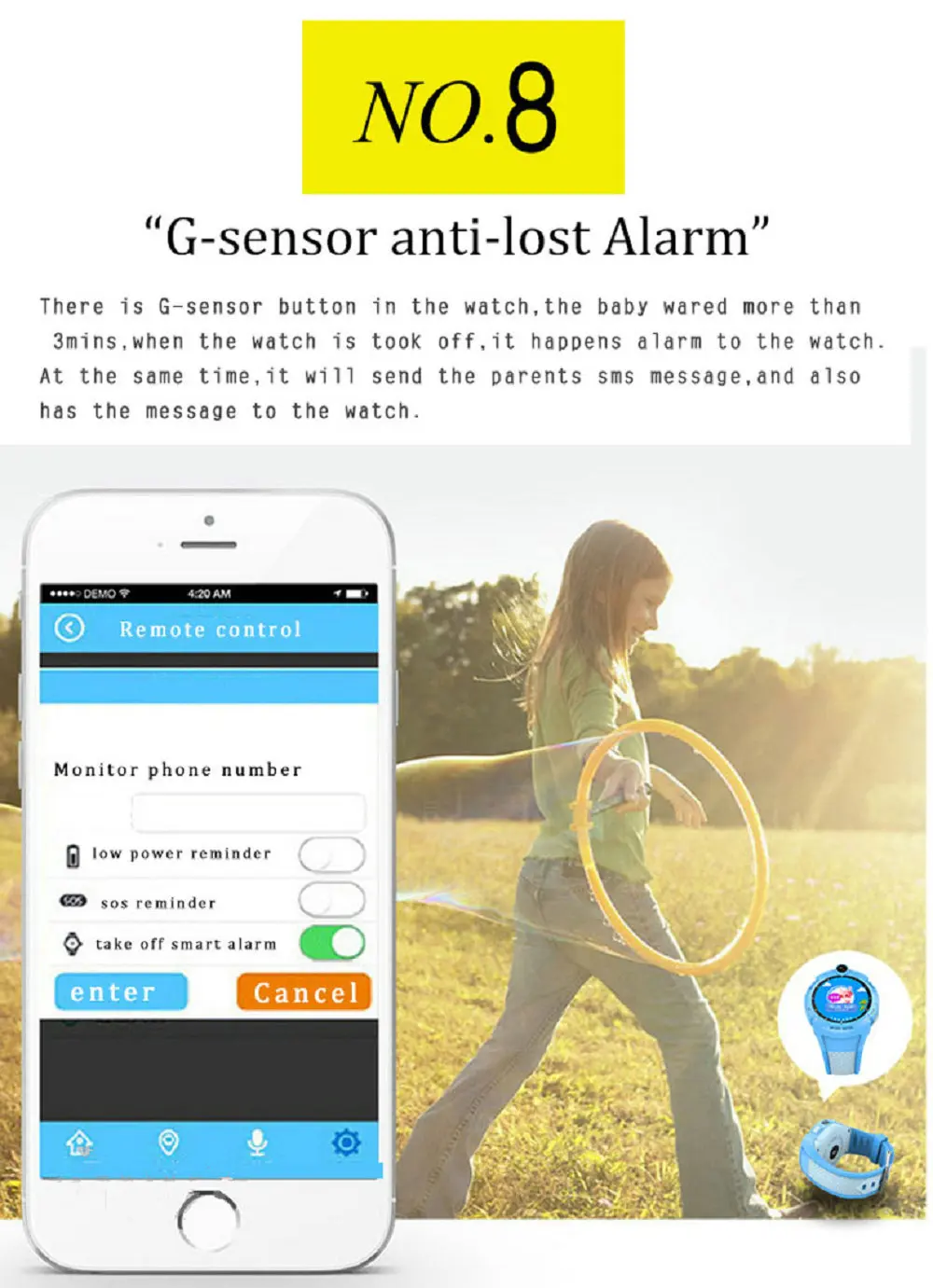
2. Remote wrist alert
There is sensor switch on watchband.it will alert unless you wear the watch for at lease 3 minutes.the watch send alert message to monitor number (default "off" state). at the same time sent alert notification to app.the watch then have remove symbol.
3. Listen to kids
If you miss your baby, you can listen to them without disturbing them.
4. Camera and album (directly use the watch to take the photo):
The camera can record every moment of the child
5. Stopwatch
Accurately calculate the time anytime anywhere
6. Learning
Gameplay with number,math game
7. Theme
Replace the theme at will ! pink,blue and simplicity
8. Safe Incoming Calls
a. After setting SOS/Family number, Contacts, Telephone numbers in the APP, kids can only receive calls from the setting numbers. Not from STRANGER!
b. Kids can press SOS or familiarity number button to call you!
9. Safety Zone
The Min. fence radius is within 500 meters, if the watch user walked out of the range, your phone will received and alert.
10. Pedometer
It's also can record your dear bay's steps, calories and distance. Let you know baby's sports data, adjust exercise program and get healthier life!
11. Sleeping Monitoring
The smart watch will record your baby's turnover times, you can check the related data through the APP.
12. History Route
Path query in the your children's historical activities by the choose the period.
13. Message Alert
a. Low-voltage remind
b. SOS remind
c. Take off watch
If you set the telephone number in the APP's "SMS alerts setting", you will received message when occur the above 3 conditions.
14. Alarm
You can set 3 different alarms as your child's requirements!
15. Remote Shutting Down
You can remote controlled the smart watch power off via APP.
16. App' Language
The App's language support English, Chinese, Portuguese, Spanish, German, Turkish, Vietnamese, Russian, French, Indonesian, Malay, Dutch, Danish, Polish etc.
Watch language: English or Russian

1* Q360 Baby Watch
1* USB Cable
1* Manual
1* Retailed Box

1. Foreign Q360 ( English Version and Russian Version ) not support weather function.
2. Manual write "G610" is the chip no., not the Model no. for watch.

1. Scan QR code on the packing box or directly download the app from your phone's app store.
2. Download the APP "Setracker" or "Setracker 2" and Register Account.
3. Scan or enter into the device ID.Each device has only one unique ID, it can be only be used once, and it is the access to connect between watch and phone. ( if it notify the ID was registered during you login, please contact us to reset for you. )
4. Choose language and server location. After you scan the device ID and fill into the account name and password. You got to choose the language and server in you area before you finish it. ( here please make sure to choose the correct server location, or lead to the "device offline" during position. )
5. Other tips should be paid more attention:
* You need have a right sim card, also open the 2G data flow function for internet and calling function. ( note: not all sim card fit this GPS watch. )
* Please make sure to turn off the watch during you insert the sim card into the watch.
* If you have do all these, your watch also can not work, please do not worry, use your phone which has installed this watch's app to send SMS to check watch setting, send pw,123456,ts# to your watch your watch will reply a SMS, then send this message pw,123456,imsi# at last, please send the screenshots of those SMS and its reply to us, add the photo of this watch's back to us, then we will check your watch setting, and solve for your problem.













Helpful guides before you choose
Check delivery information before ordering, especially if you need your item for a particular date. Our care guide covers different product categories; always follow the instructions supplied with your item where they differ from general advice.